
New patients
Prepare chiropractic new-patient forms, history, insurance details, and appointment options for review.
Chiropractic clinics
Most chiropractic practices have a list of patients who should be in but are not, and no one has time to work it. The front desk handles calls, the billing is behind, and personal follow-up happens whenever someone finishes their other tasks first, which is almost never. Imagine keeps visit cadence, reactivation outreach, and insurance follow-up from slipping so the clinic stops losing ground between appointments.
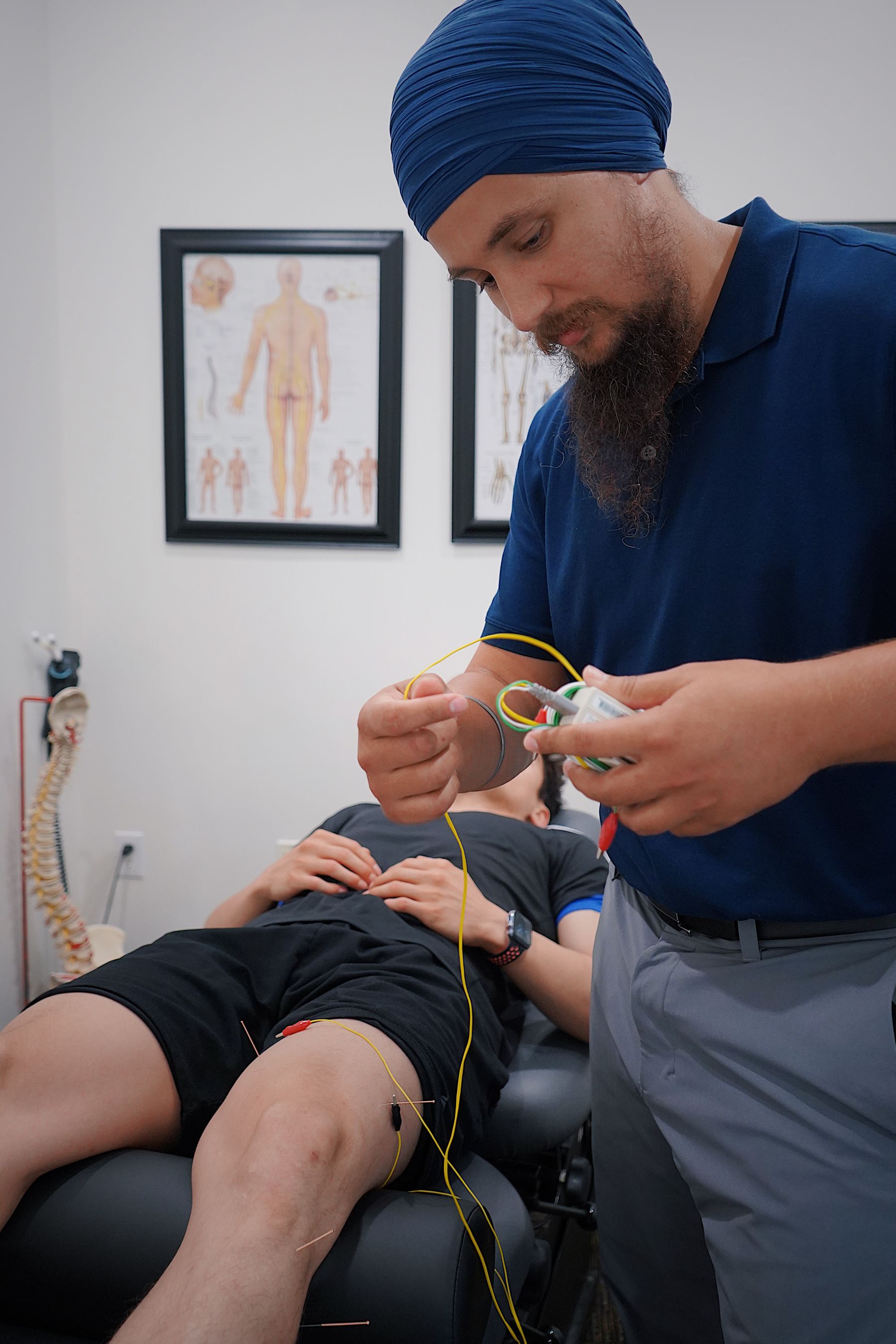
Prepare chiropractic new-patient forms, history, insurance details, and appointment options for review.

Track recommended visit cadence, missed appointments, and patient check-ins for chiropractic care plans.
Prepare payer follow-up, patient-balance reminders, and billing exceptions for chiropractic clinics.
Why this work matters
Patients return when care plans feel clear, visits stay on track, and billing does not muddy the relationship.
Industry context
U.S. industry-wide employer data for 2023, included as context for chiropractic clinics.
Source: U.S. Census Bureau 2023 County Business Patterns and Annual Integrated Economic Survey, NAICS 621310 (Offices of chiropractors).
Practice signal
The AMA survey points to broader comfort with AI in clinical settings. For chiropractic clinics, the useful work is steady: intake, visit cadence, balances, and patient reactivation.
Care cadence
The queue keeps practical details visible - new-patient intake, visit cadence, balance note, and reactivation touch. Imagine separates routine movement from the few items that need judgment, then ties each approved action back to its source.
Imagine handles the repetitive coordination around new patients, care-plan cadence, insurance & balances, reactivation. It reads the systems your team already uses, prepares the next step, and asks for approval when human judgment matters.
No. Imagine works on top of EMR, scheduling, billing, insurance, phone, and patient messaging tools and keeps those tools as the systems of record. It handles the operational follow-through between them and records what changed.
Yes. You set the rules, thresholds, and owners for each workflow. High-confidence work can move automatically, while exceptions and client-facing changes can stay in a review queue.
Bring the new patients, care-plan cadence, insurance & balances, or related workflow that keeps slowing the team. Imagine will show how it becomes a review queue with a full trail.