
Owner view
The highest-impact invoices surface first, with the reason they need attention today.
AR & collections
Imagine turns aging review, dunning, cash application, and DSO reporting into one receivables queue, so every invoice has a next step and every client touch stays professional.

The highest-impact invoices surface first, with the reason they need attention today.

Follow-ups stay timely, specific, and respectful instead of sounding like blunt automation.
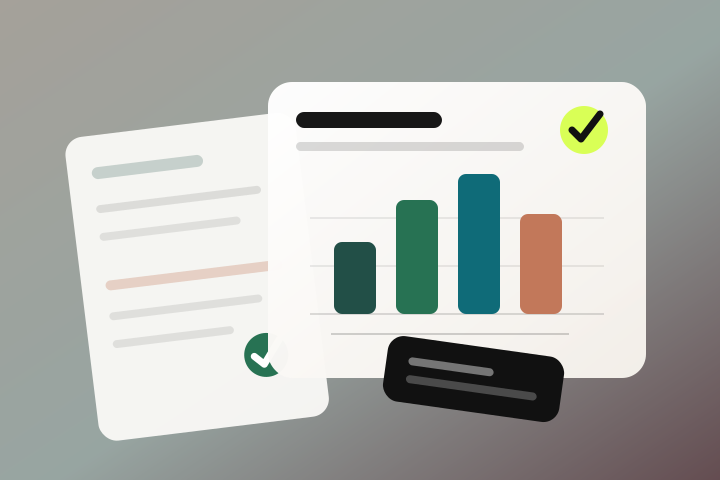
Payments are matched back to invoices quickly, so paid clients do not get chased twice.
Cash view
Imagine reads accounting, billing, payments, and recent client messages together. It ranks the work, drafts the touch, pauses for disputes, and leaves a trail your team can review.

Imagine connects to your accounting and payment systems, such as QuickBooks Online, Stripe, and Bill.com, and unifies every open invoice, payment, and customer history in one view. From there, AI agents prioritize overdue accounts, send professional follow-ups on a schedule you approve, and match incoming payments to invoices. Every action is logged so you can see exactly what was done and why.
No. Follow-ups are drafted in your firm's tone, reference the specific invoice and prior conversations, and adjust to the relationship and how overdue the balance is. You set escalation rules and can review or pause anything, so clients receive timely, respectful reminders rather than blunt or repetitive nagging.
No. Imagine sits on top of the systems you already use, like QuickBooks Online, Xero, NetSuite, or Sage Intacct, and treats them as the source of truth. It reads and writes back to them so your books stay accurate, while the repetitive collections work those tools leave to you is handled for you.
Bring the aging, dunning, cash-application, or reporting workflow that keeps delaying cash. Imagine will show how it runs with your rules and full visibility.